
Reporting for commercial real estate
Every number in your quarterly report, traceable back to the source system
Refined Data pulls figures out of Yardi, MRI and the spreadsheets your team keeps on the side, then builds the report once. Click any total and you can see the records behind it.
Used by asset management, finance and reporting teams running mixed portfolios.

Systems we read from
Yardi Voyager
MRI
Excel workbooks
SQL Server
CSV and text exports
Budget and forecast files
Who we work with
Reporting teams at Canadian owners, managers and asset managers





See it in action
See a variance traced to its source
Follow any figure from the portfolio down to the building and the document behind it.
The problem
Quarter end should not take three weeks of copy and paste
Most reporting teams we meet are doing the same thing: export from the property system, rebuild it in Excel, chase the variances, then paste the result into a document nobody can audit later.
01
One report, four sources
Rent roll sits in Yardi, valuations sit in a workbook, mortgage detail sits with treasury, and commentary lives in email. Someone has to reconcile all four by hand.
02
No way to prove a figure
When an investor asks where a number came from, the answer is usually a search through last quarter’s files and a phone call to the analyst who built it.
03
Rebuilt from scratch every cycle
Formatting work gets redone each quarter. A new property or a new account code breaks the template, and the fix is manual again.
What you get
Finished reports your team can hand to an auditor
We build your report layout once, in your own format and branding. After that, each cycle is a date change. The numbers refresh from the source systems, the commentary fields stay where your team left them, and the output is ready for print, PDF or the investor portal.
•
Executive summaries, community and property reports, portfolio profit and loss, variance packages.
•
Drill from any figure to the underlying Yardi or MRI records, with the extract date attached.
•
Commentary captured in the platform, not in a side email thread.

How it works
Four steps from raw data to signed off report
Step 1
Connect
We read directly from Yardi, MRI, your SQL databases and the workbooks your team already maintains. No re-keying and no change to how your property teams work.
Step 2
Aggregate
Accounts, properties and portfolios are mapped once. From then on the platform keeps the mapping and flags anything new that needs a decision.
Step 3
Review
Your analysts check variances, add commentary and approve sections. Everything is timestamped and attributed, so you know who signed off on what.
Step 4
Publish
Produce the report in your own layout, on demand, for one asset or the whole portfolio. Prior periods stay exactly as they were published.
Typical results
What changes after the first cycle
Days, not weeks
Reporting cycles shorten because the assembly work is already done.
One version
Everyone works from the same set of figures, with the same extract date.
Full trail
Every published number can be traced back to the record it came from.
Our clients say…
“Greatest software ever in the history of CRE”
Joshua Joseph, Sesame Street Realty
Bring one report and we will show you the difference
Send us a report you produce today. We will walk through how it would be built and refreshed in Refined Data, using your own account structure.
From the blog
Recent posts from Carl

16 September 2026
You know something the rest of us don’t
The industry's most useful insight is rarely the confident, general comment. It's the specific, unglamorous thing one person saw that nobody else was standing…

14 September 2026
Shoulders of Giants
Every answer your AI tool gives you about cap rates, lease structures, or the debt markets came from somewhere. Not from the model –…
14 September 2026
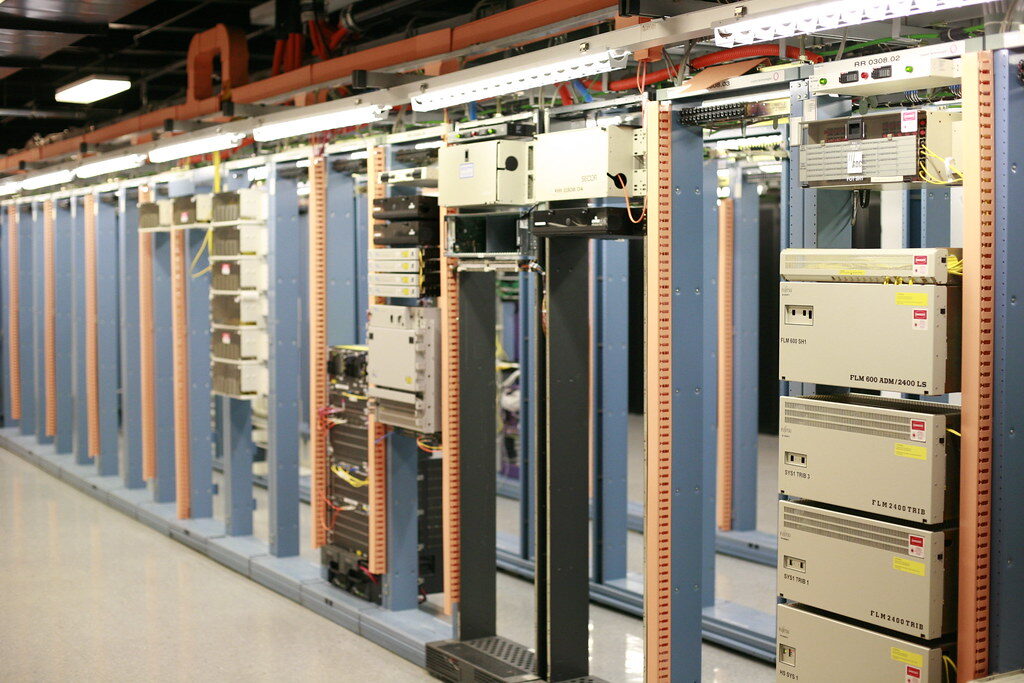
Five Biggest Challenges facing AI integration into CRE platforms
Every CRE platform has an AI story and most of them demo well. The hard parts are conflicting source systems, fluent wrong answers, missing…